


BMW E34 & E32 instrument cluster Coding guide using DIS
The most frequently replaced component in a BMW, after the engine control units, is the instrument cluster. In every 10th car, a non-original cluster is installed. Time takes its toll: pixels die, coders fail, hardware gives out less often, and typical used clusters are cheaper than repairing your own.
A significant advantage is that information about the installed engine type, equipment, mileage, and VIN is stored in a removable ROM chip (the coder). So if only the cluster itself fails, and not the coder, it's enough to find a similar cluster and swap the coders. Otherwise, when replacing the cluster, we lose all information about our car. The most common problem in such situations is incorrect tachometer readings. Frankly, no one really gives a damn about the mileage and the stored VIN.
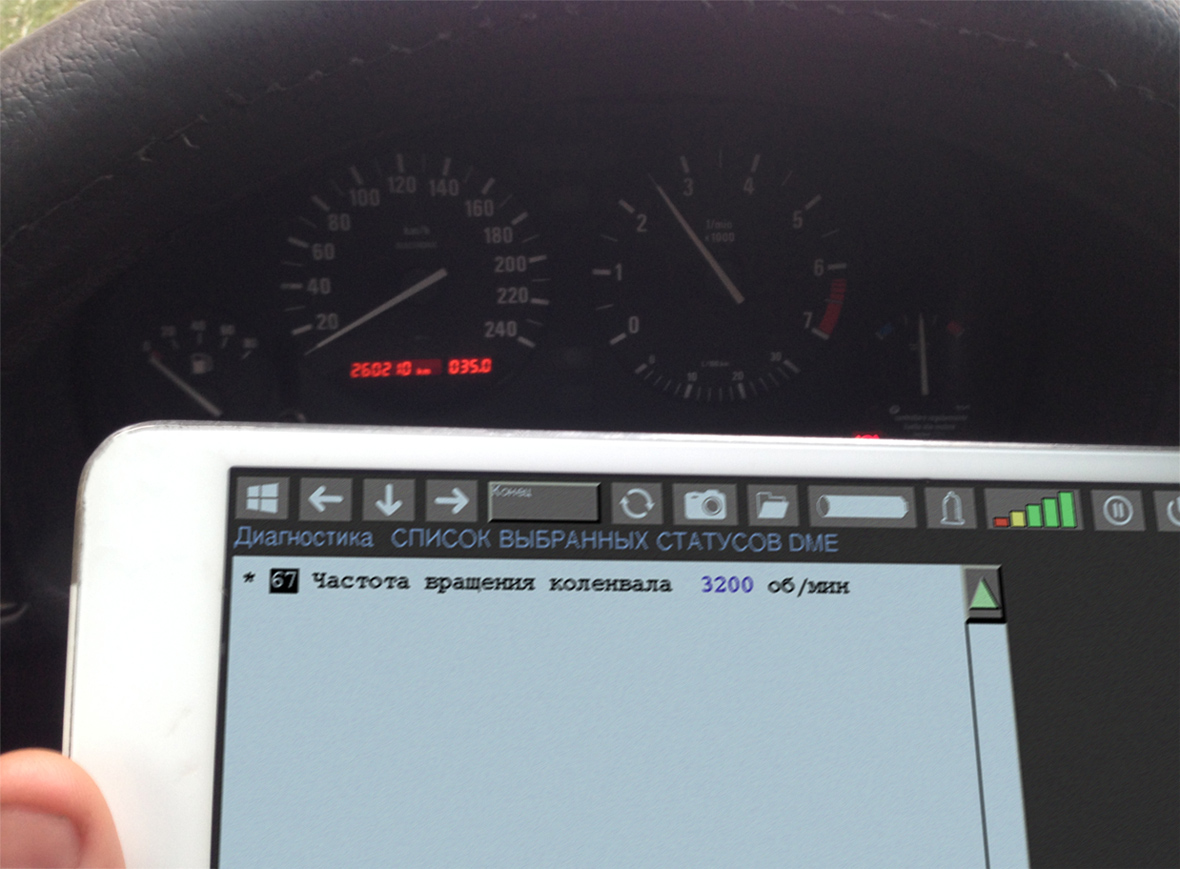
Different engine models generate a different number of impulses sent to the instrument cluster when the crankshaft rotates. If an M50B20 engine is installed in the car, and the cluster is coded exactly for this engine, the tachometer will display correct values. But if we install a cluster from an M50B25, the tachometer will start lying. You'll need to either find a cluster from the same engine, install the working coder from your old cluster, or recode the one you have to the correct engine.
There are two ways to do this:
The garage method — using a Chinese programmer to flash a dump from the internet into the coder;
The original method — coding the cluster using DIS.
Naturally, I have no intention of considering the garage method.
Let's begin
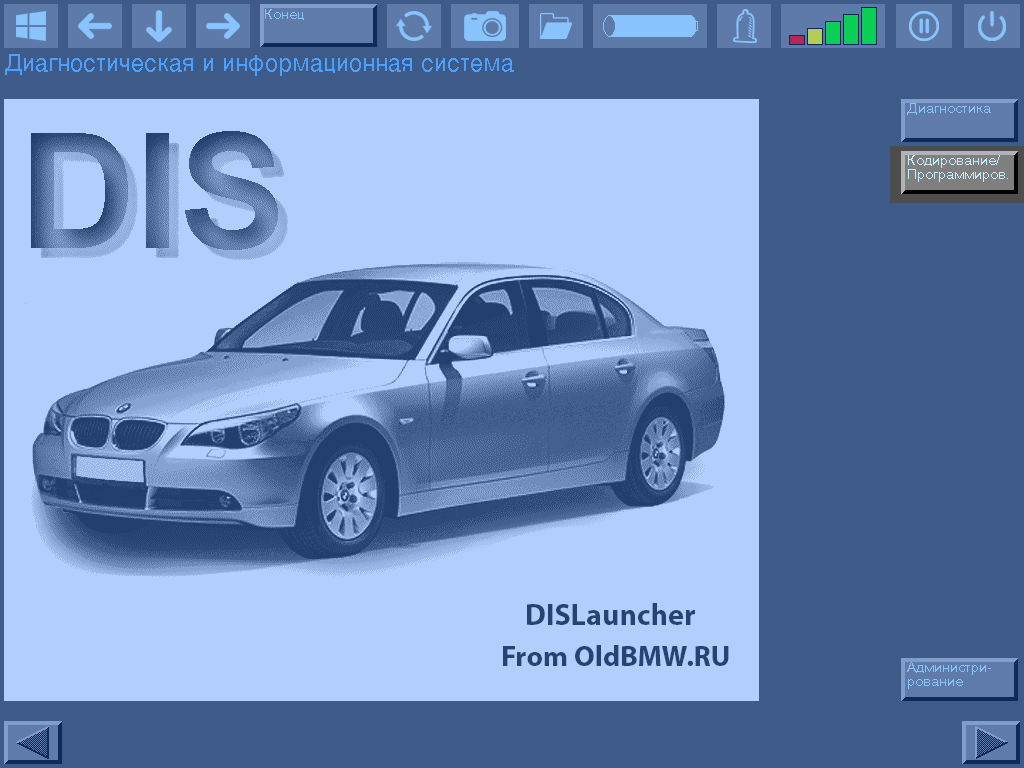
Launch the Coding/Programming application in DIS.
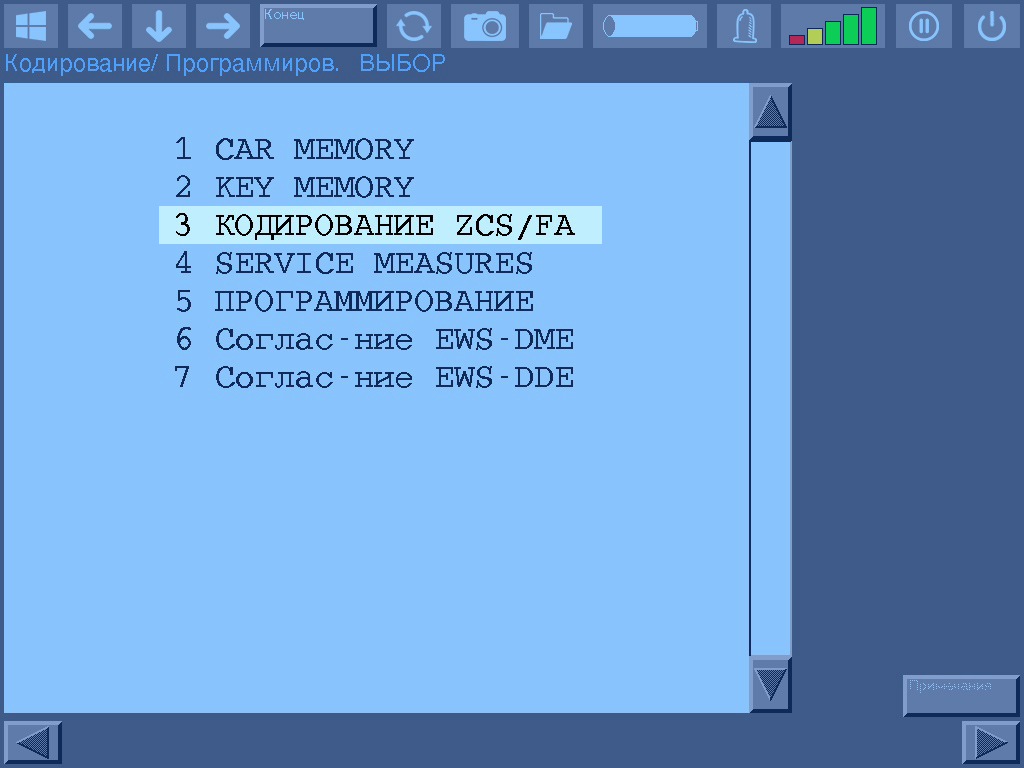
In the diagnostic program, open the ZCS/FA Coding section.
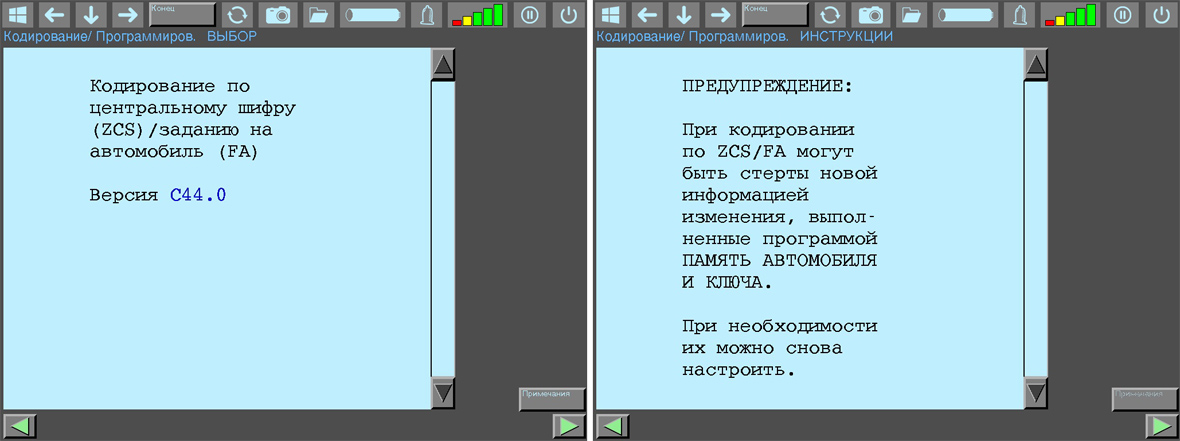
Click Next twice (that's the green arrow pointing right, by the way). It's advisable to read the warning; it's foolish to blindly follow all internet instructions.
Select the section corresponding to the chassis being coded, in this example, it's E34.
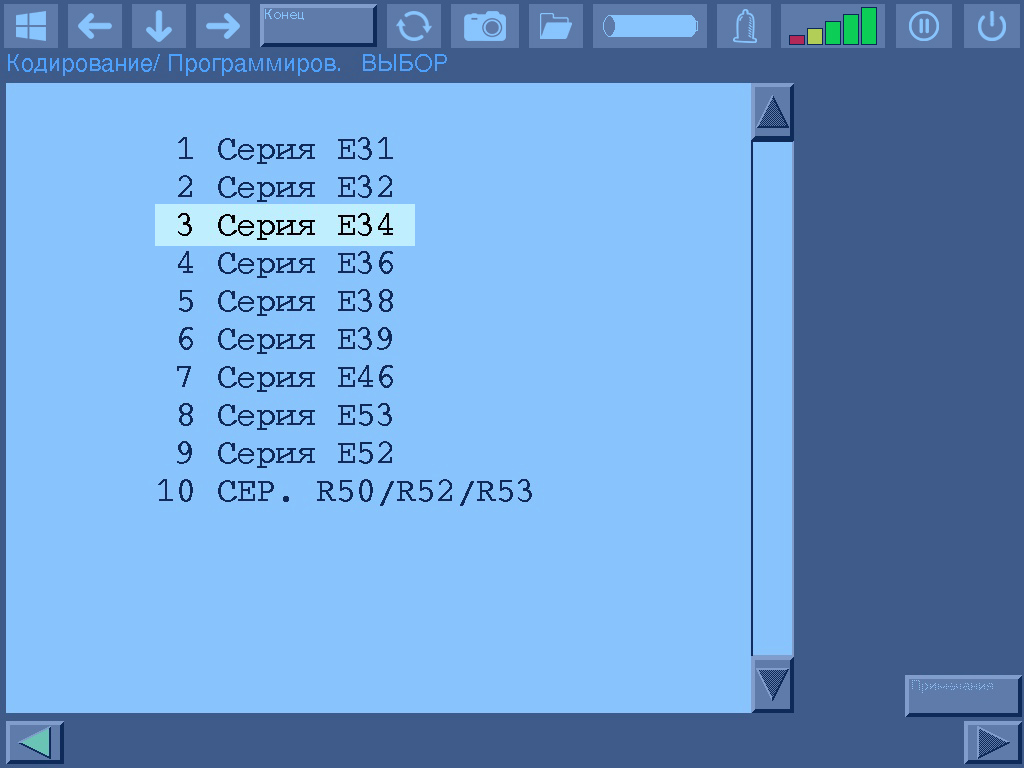
Select the Initial Coding section.
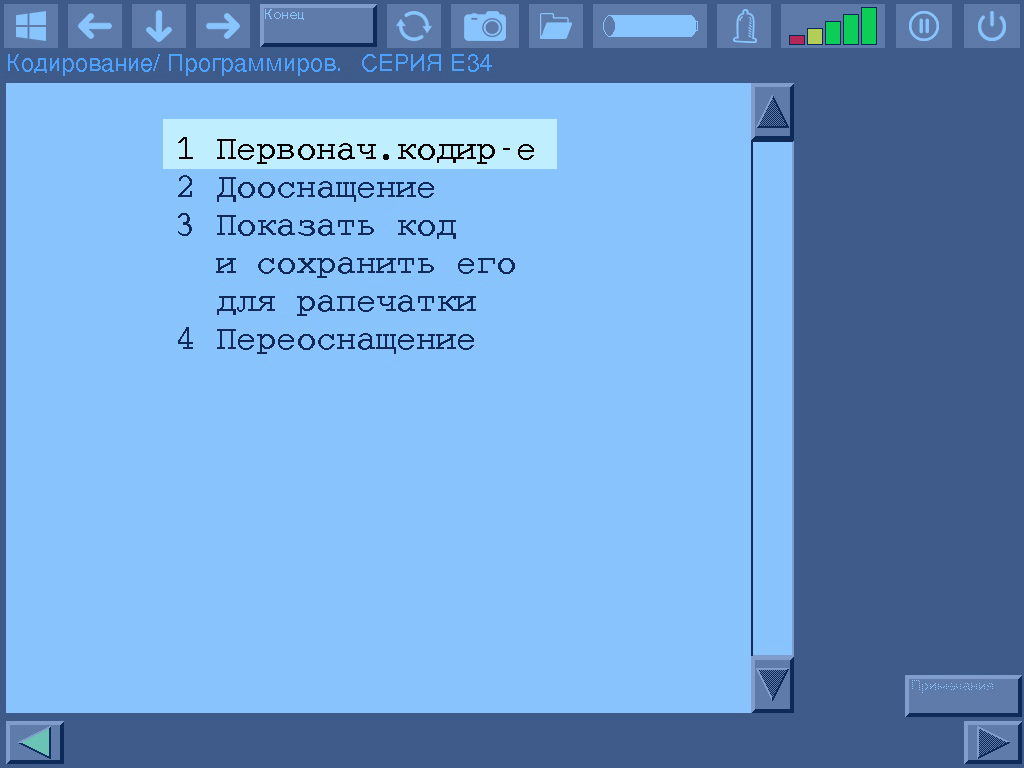
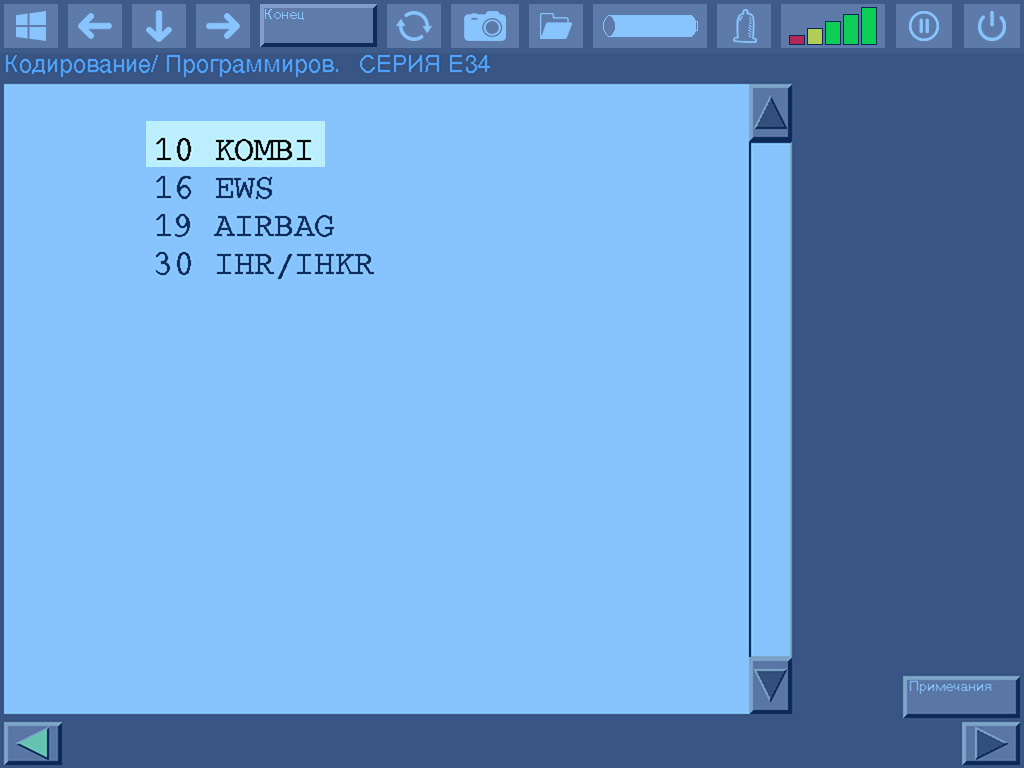
DIS will automatically read the installed options from the ZCS and display a list of codable control units. In the E34 chassis, the following can be coded:
- KOMBI — Instrument cluster
- ZVM II — Central locking module, version II
- EWS — Electronic Immobilizer
- DWA — Anti-theft alarm system
- AIRBAG — Airbag
- LSM — Steering column memory
- IHR/IHKR — Integrated Heating and Air Conditioning system
- ABS/ASC — Anti-lock Braking System / Automatic Stability Control
- EDC — Electronic Damping Control
In our case, we select the KOMBI section.
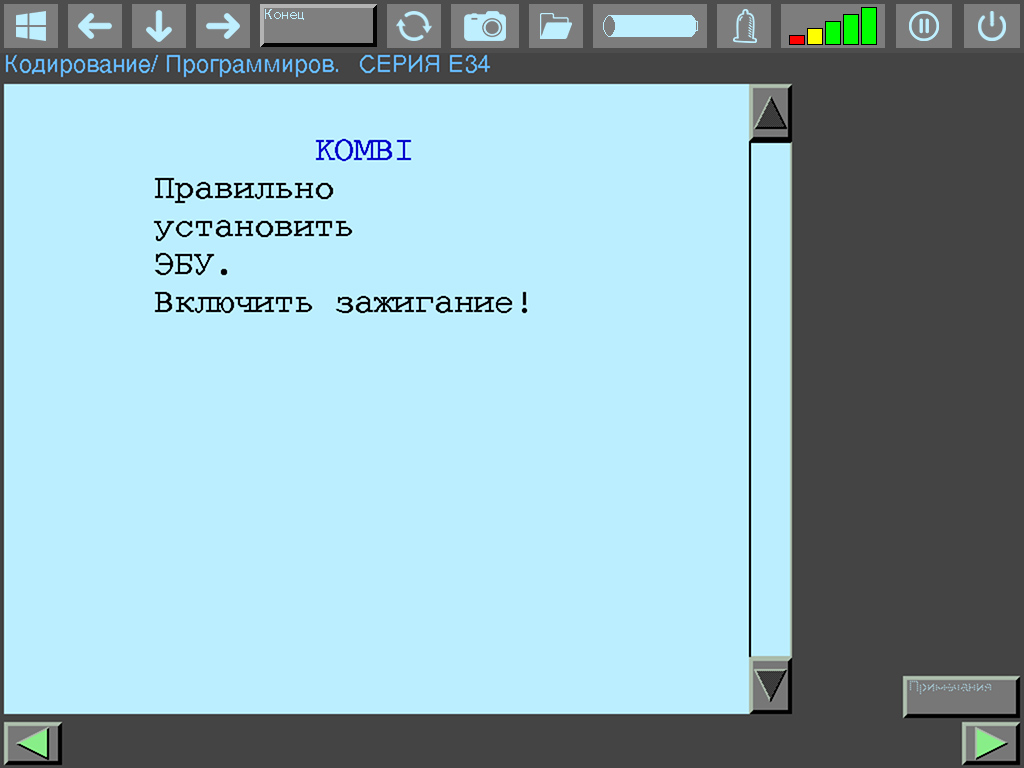
Confirm the correctness of the selected control unit for coding.
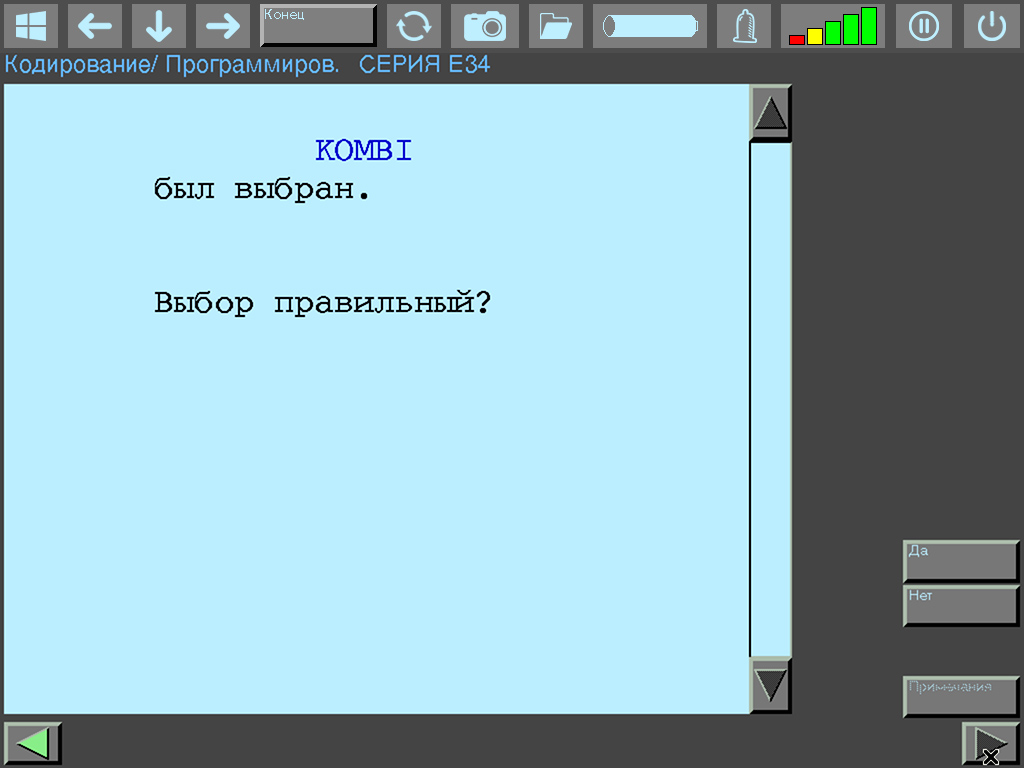
Fulfill the requirement and press Next.
DIS will offer to recode the VIN if needed — press the Yes button.
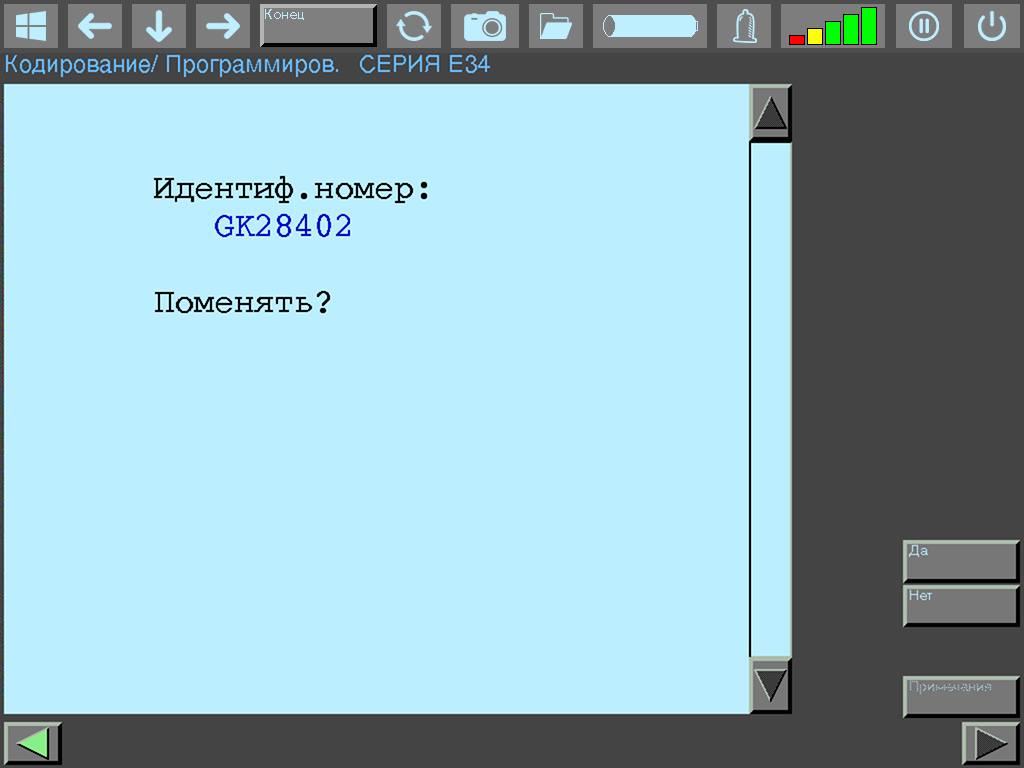
Read the information and press Next.
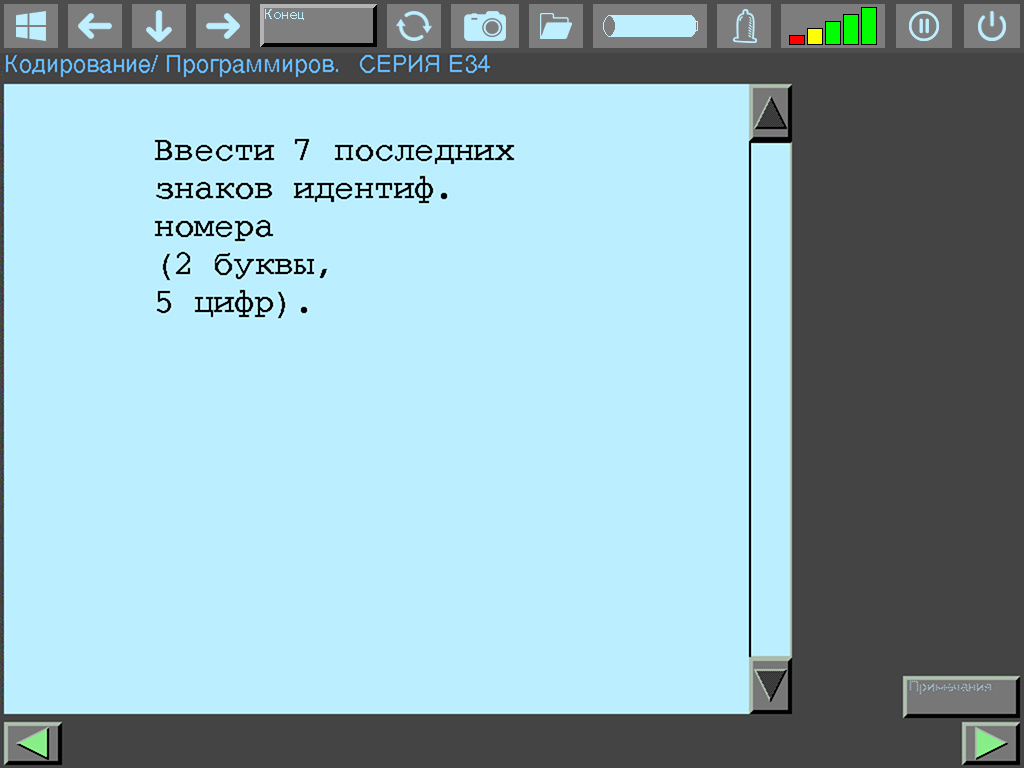
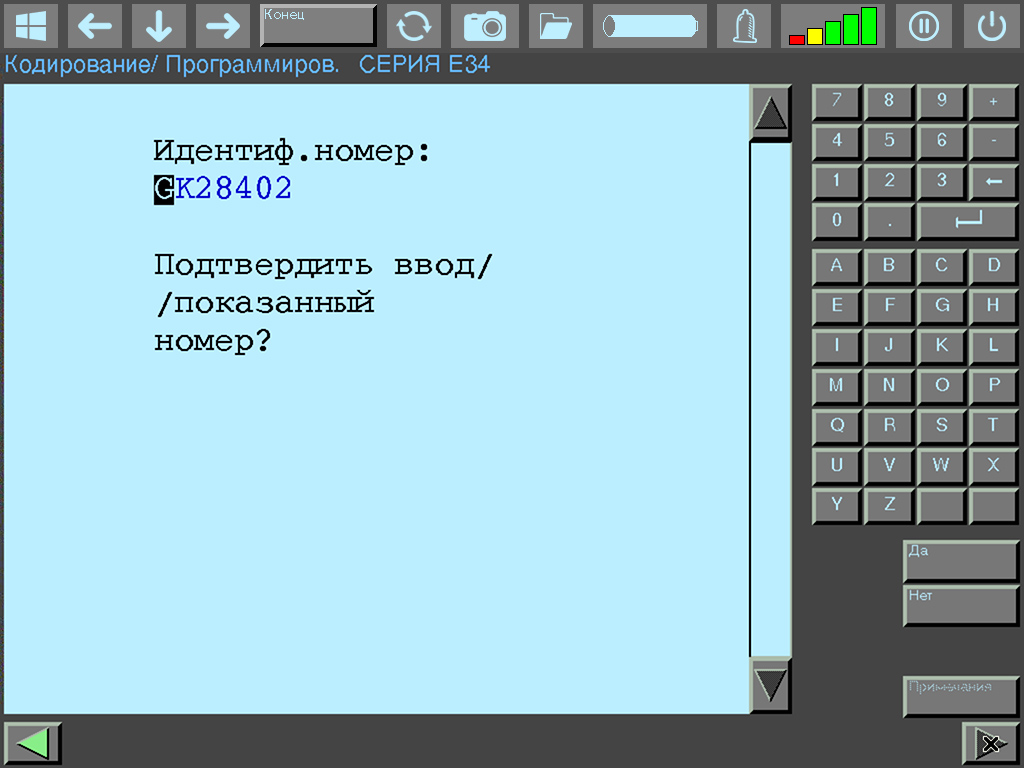
Using the numeric keypad, enter the new VIN. When finished, press the Yes button.
Next, DIS will offer to change the ZCS codes (what this is, is described in this article). If we had refused to recode the VIN, we would have ended up in this section immediately. Since we want to change the coded engine type, we press the Yes button.
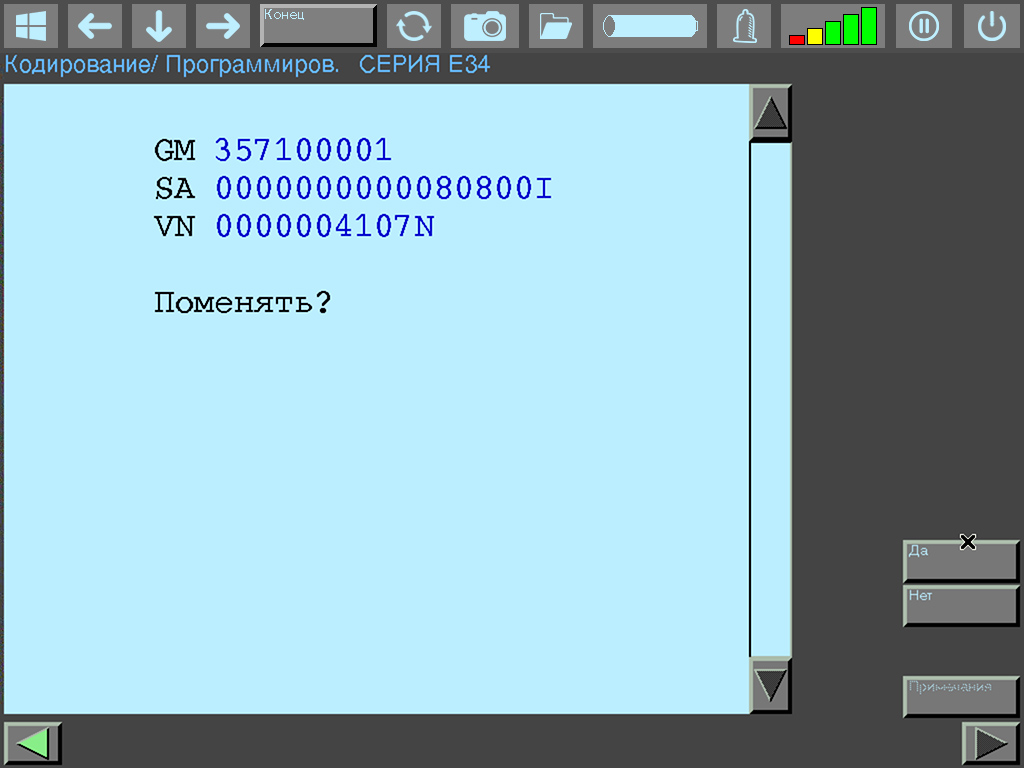
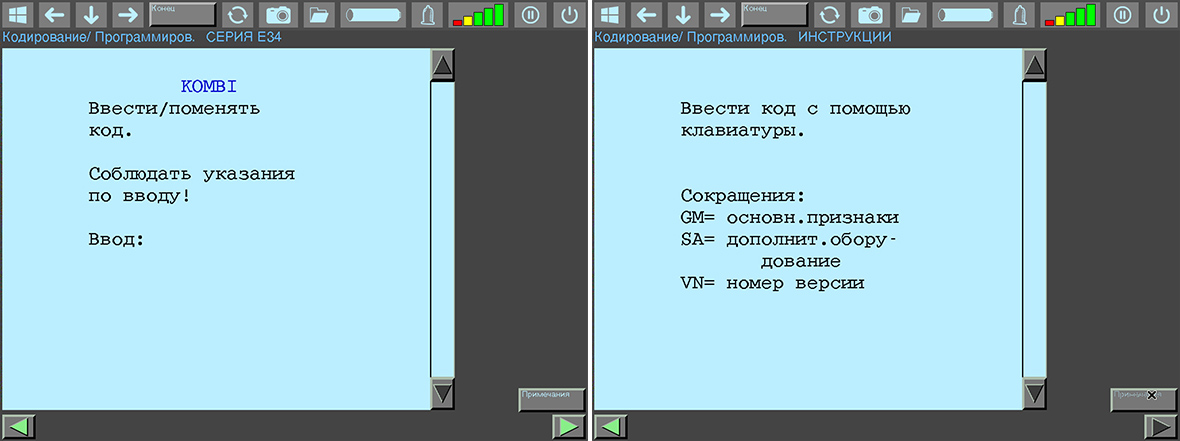
Read the warning; you can also check the notes, and press Next.
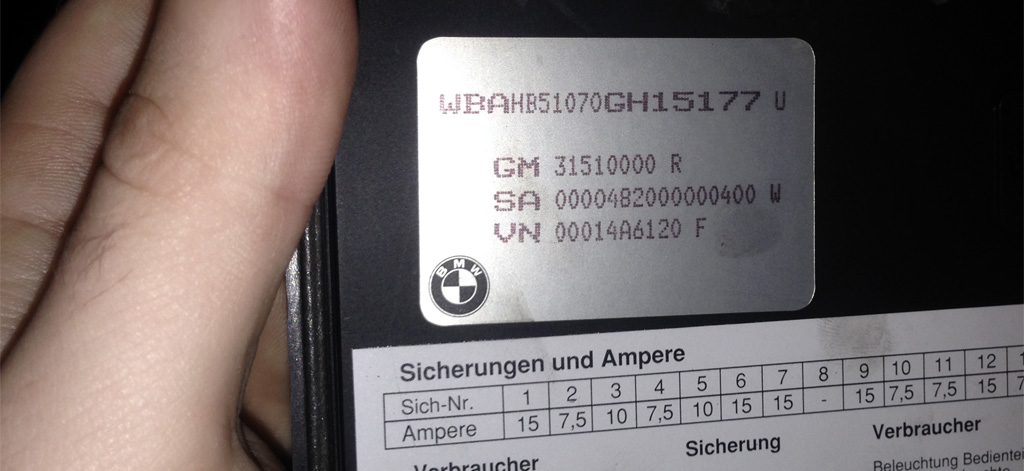
Open the hood, remove the cover of the fuse box, and before us appears the backup sticker with the original ZCS code.
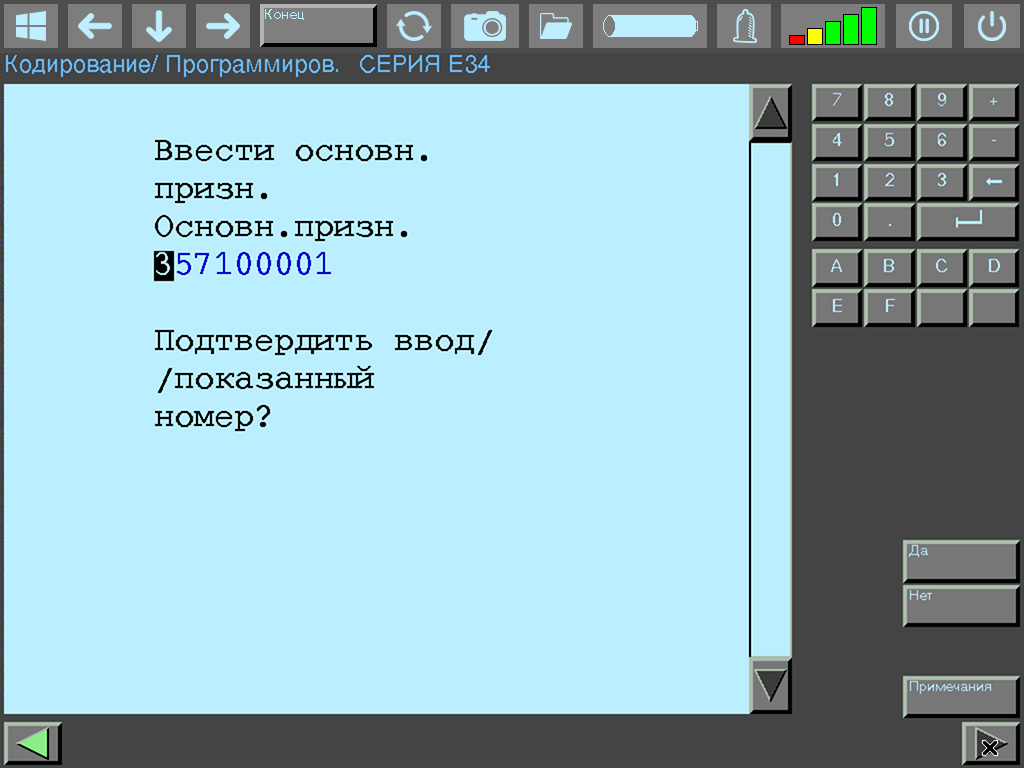
Using the numeric keypad, enter the GM code (Basic Vehicle Characteristics) and press the Yes button.
Then enter the SA code (Special Equipment) and press the Yes button.

Finally, enter the VN code (Version Number) and press the Yes button.
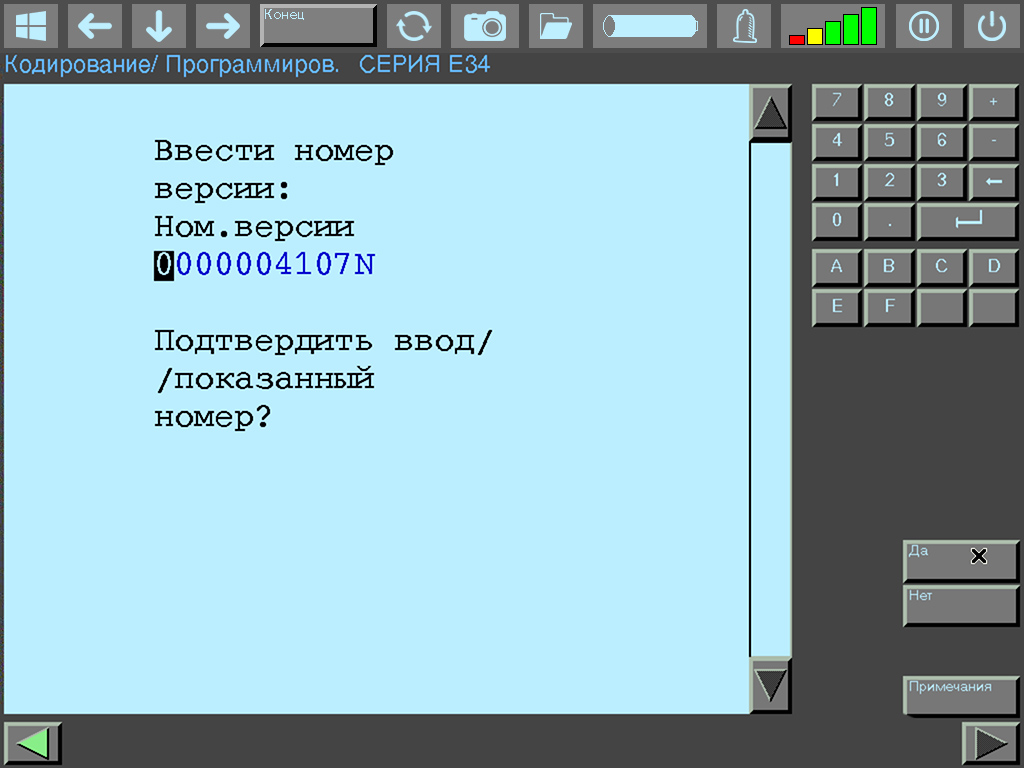
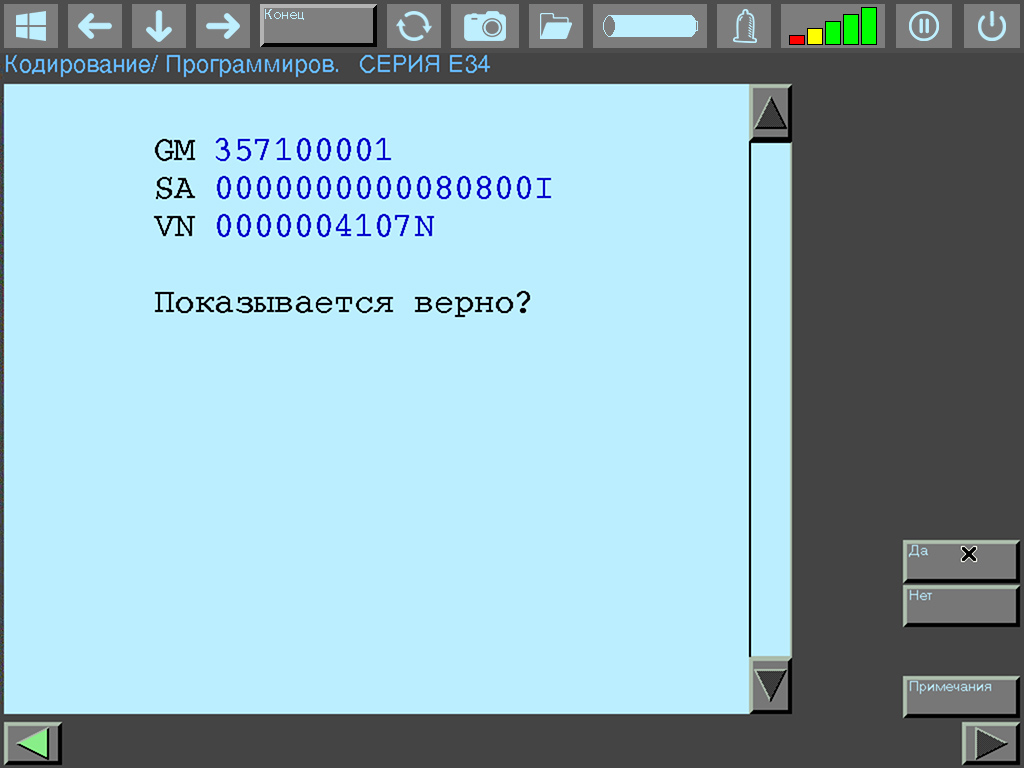
If any of the codes does not need to be changed, you can simply press the No button to skip; DIS will proceed to the next code change section. Check the correctness of the entered codes and press the Yes button. If you made a mistake somewhere, press No, and DIS will return to the GM code change section.
Press the Yes button to start the coding process.
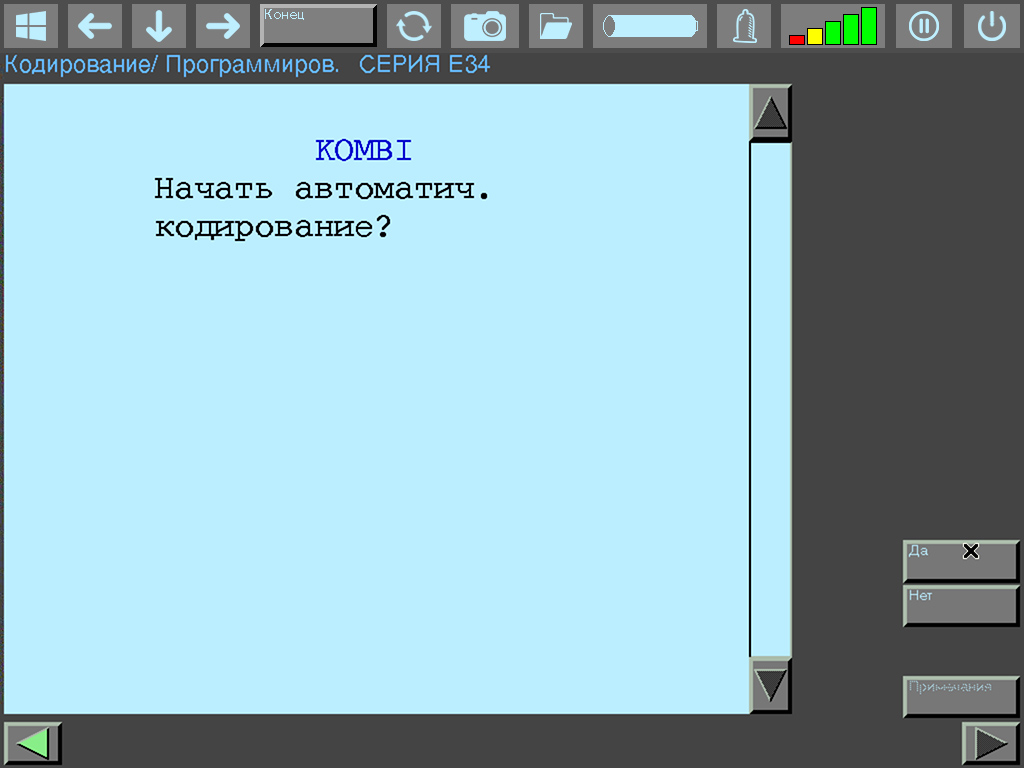
The process of coding the instrument cluster will begin.

Upon completion, DIS will display a corresponding window and ask you to turn the ignition off for 10 seconds. Follow this instruction.
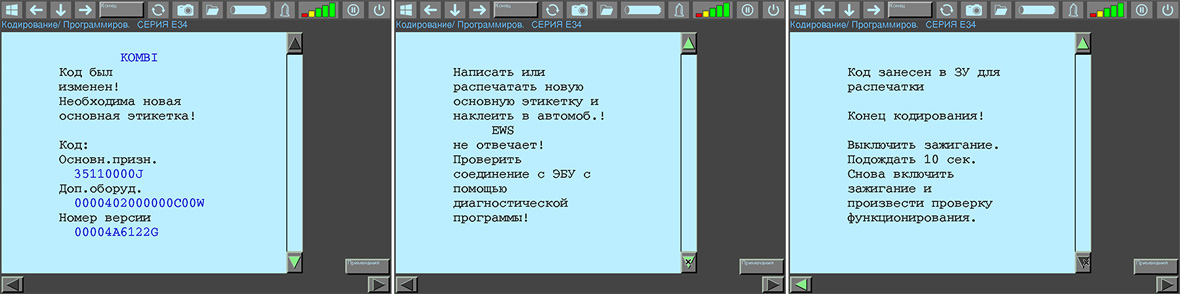
Afterwards, check the operation of the newly coded instrument cluster.
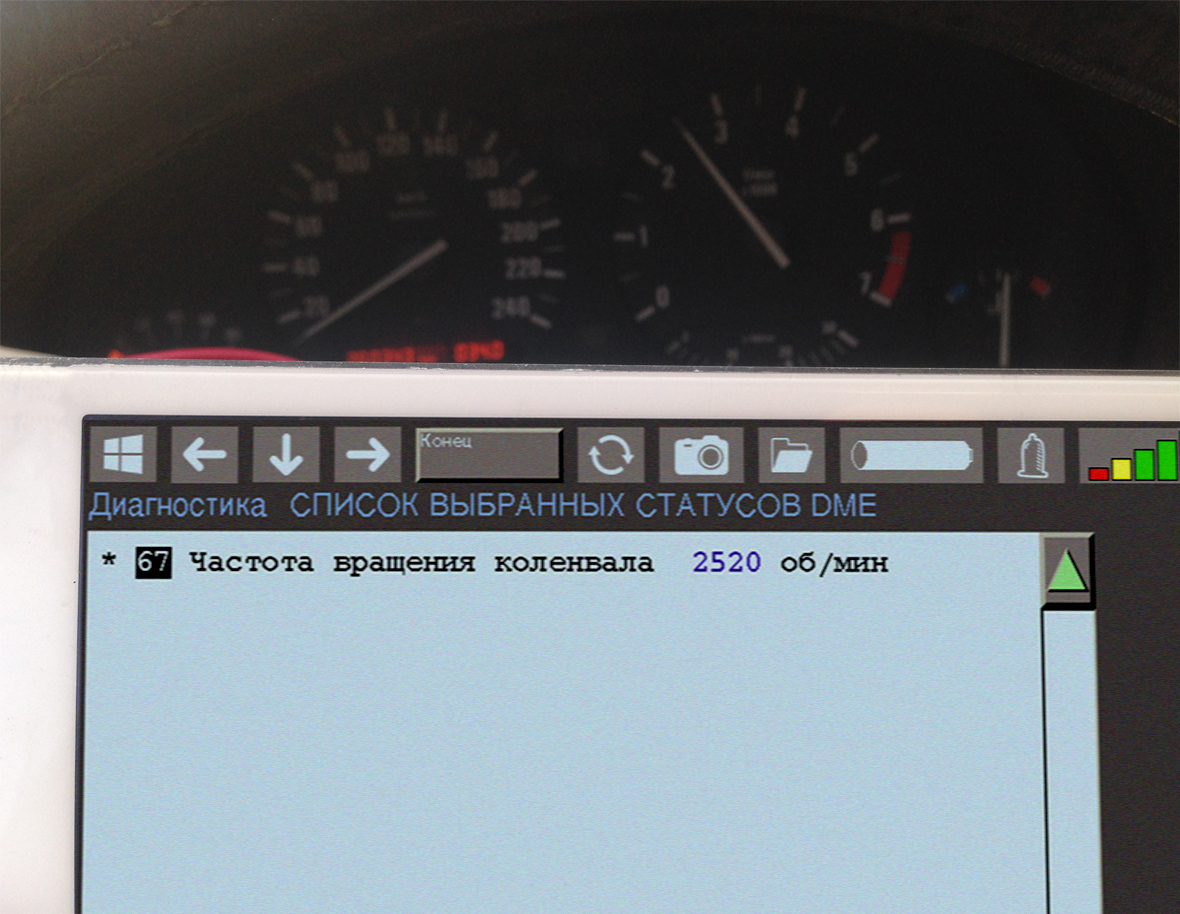
What to do if the backup ZCS codes are lost?
You will need to recalculate them. Eventually, I will add a calculation function to DISLauncher. Or you can contact me by one of the methods listed.